Schema markup is one of the most important technical signals for AI visibility. The AI Schema Creator generates clean, AI-optimized structured data (JSON-LD) you can copy straight into your pages.
Why schema matters for AI
AI engines rely on structured data to understand your page — what it is, its key details, and how things relate. Pages with good schema are more likely to be cited by AI and to appear in Google AI Overviews.
Getting started
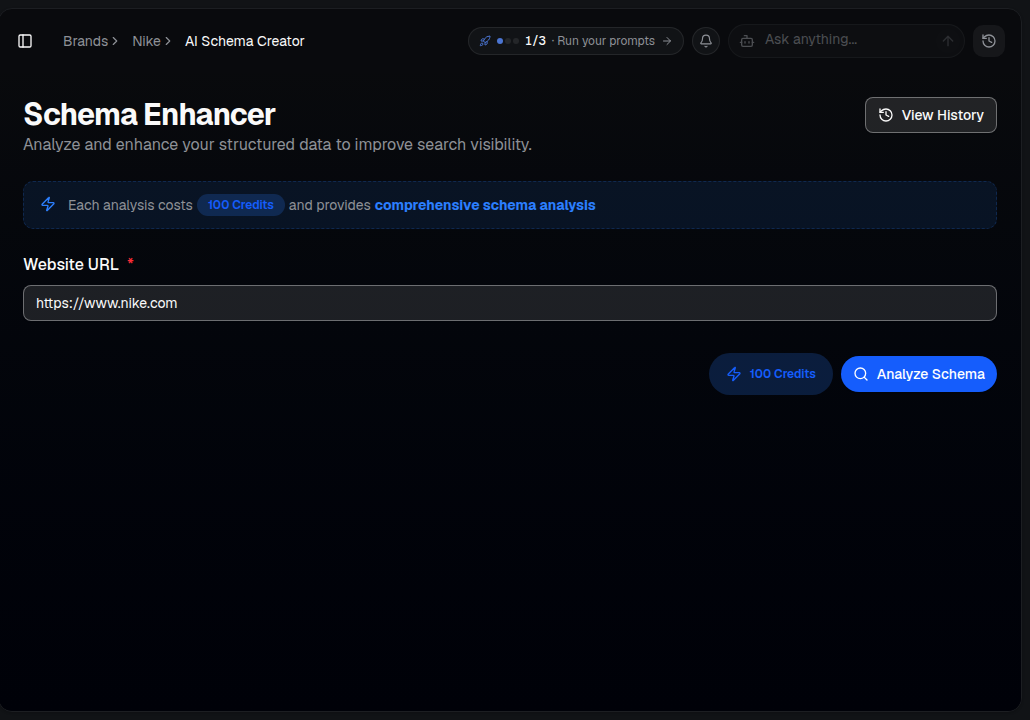
Enter any URL and choose a schema type — the tool analyzes the live page and generates complete, ready-to-use markup:
Schema types
- Product — for e-commerce and product pages (name, description, price, rating, availability, brand). Important for AI Shopping results.
- Blog/Article — for posts and content pages (headline, author, dates, description, images).
- Author — for team and about pages (name, credentials, role, profiles). Builds E-E-A-T.
- FAQ — question-and-answer pairs for rich results.
- LLM-optimized — enhanced schema with extra signals for AI comprehension.
How to use it
- Open AI Visibility ▸ AI Schema Creator for your brand.
- Enter the URL of the page you want schema for.
- Choose the schema type that fits the page.
- AI Rankia analyzes the page and generates complete JSON-LD — review it in View History any time.
- Copy the output into your page's
<head>.
After generating
- Paste the JSON-LD into your page's
<head>. - Validate it with Google's Rich Results Test.
- Re-run your monitored prompts after a couple of weeks to see if citations improve.
Tip: Start with your most important pages — homepage, top product pages and highest-traffic posts. Combine with the LLM Readiness Audit so the pages you enhance are actually reachable by AI crawlers.